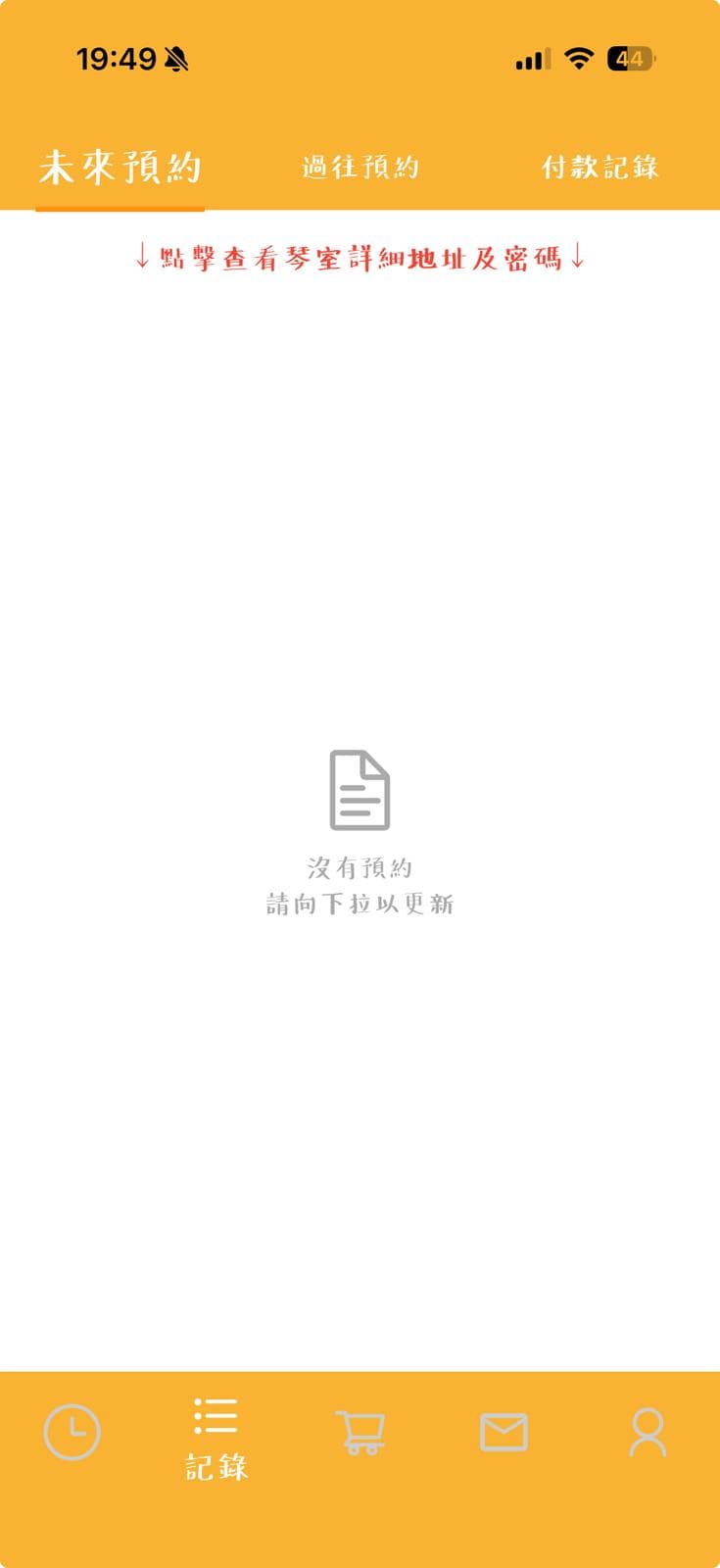
Booking Tutorial
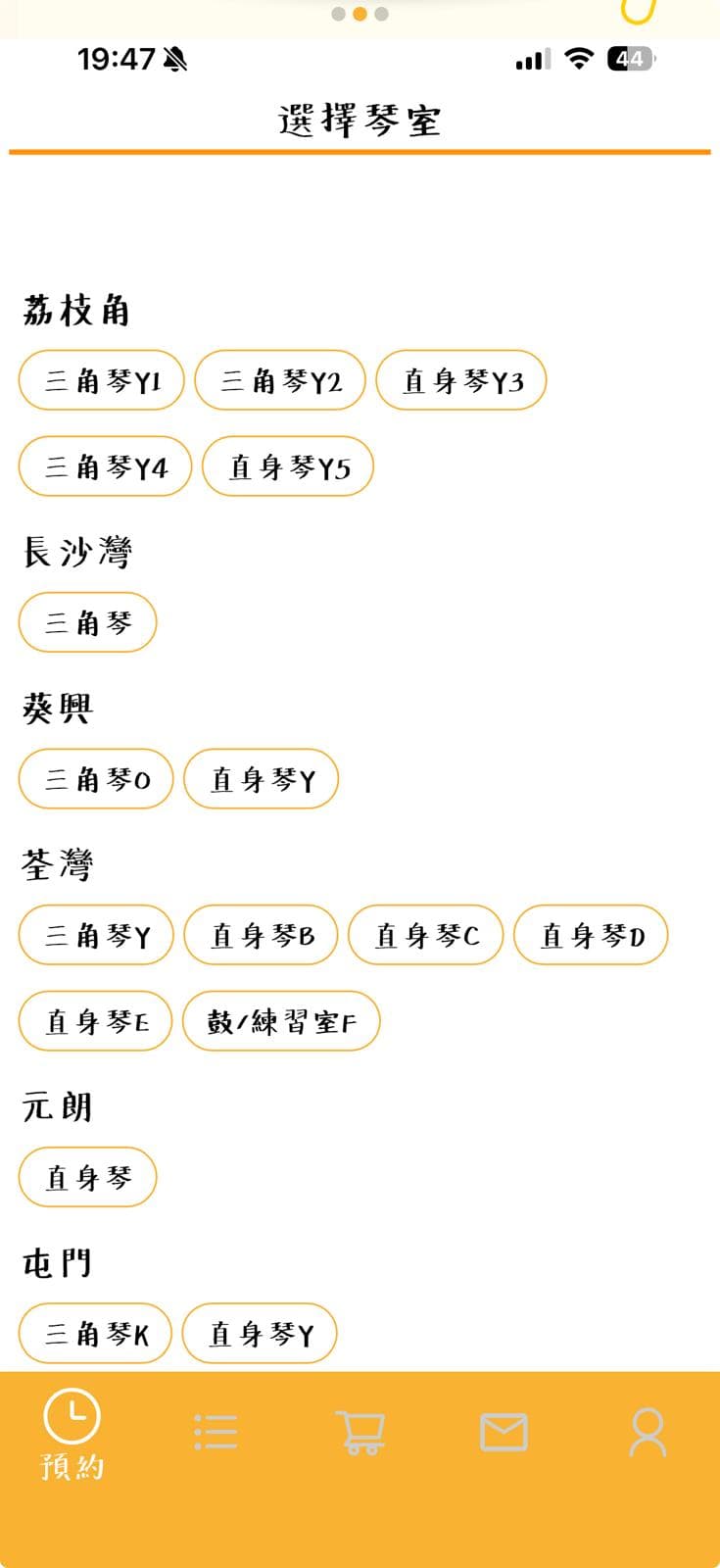
Select a Room
Browse rooms by district and choose the piano room you want to book.
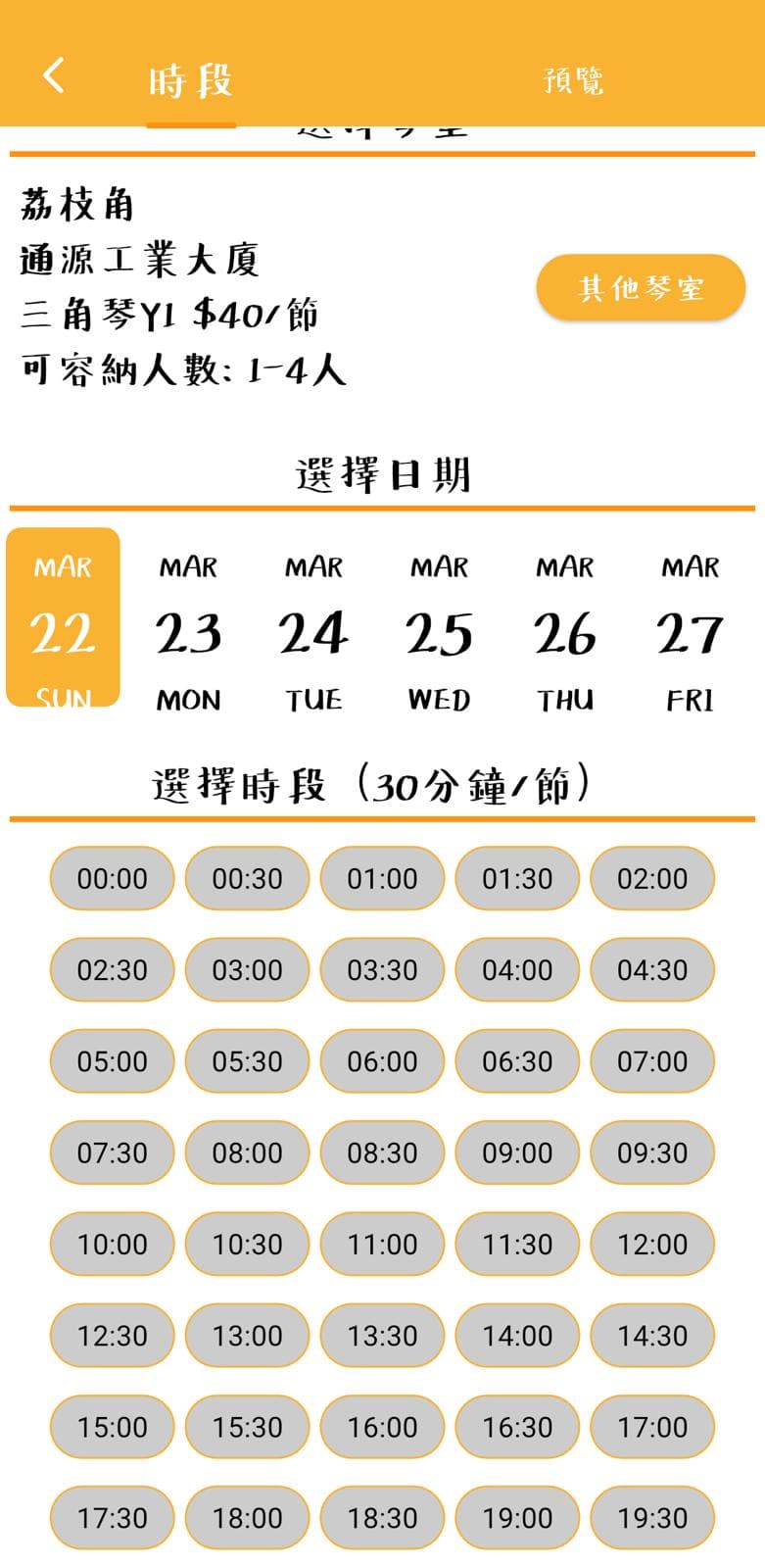
Select Date & Time
Select consecutive slots for multiple sessions. Book different rooms and dates in one go.
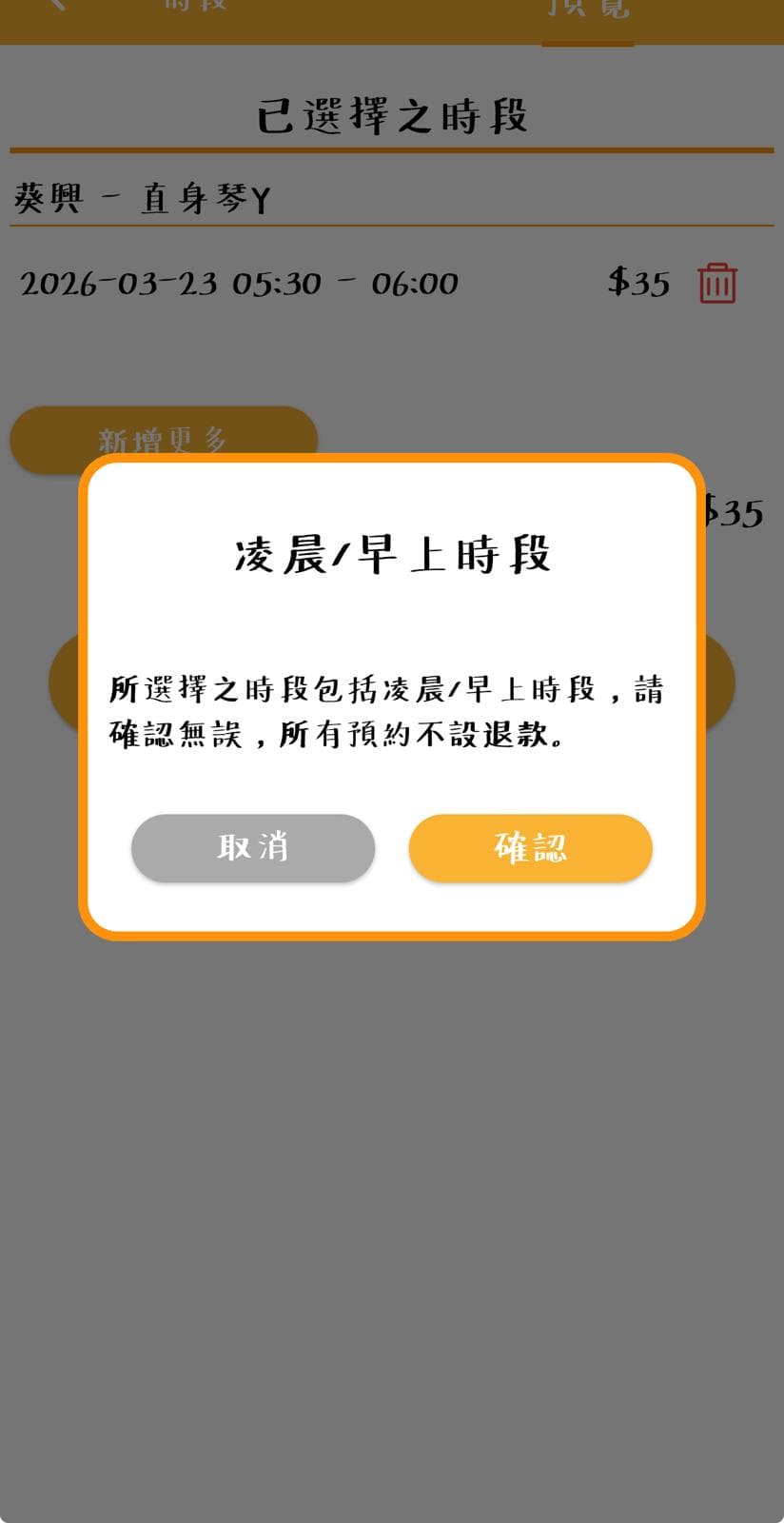
⚠️ When selecting early morning slots, a confirmation alert will appear. All bookings are non-refundable.
Confirm Booking
Check the booking amount. Ticket/plan users can toggle "Use Hours" — the actual payment will update to $0.
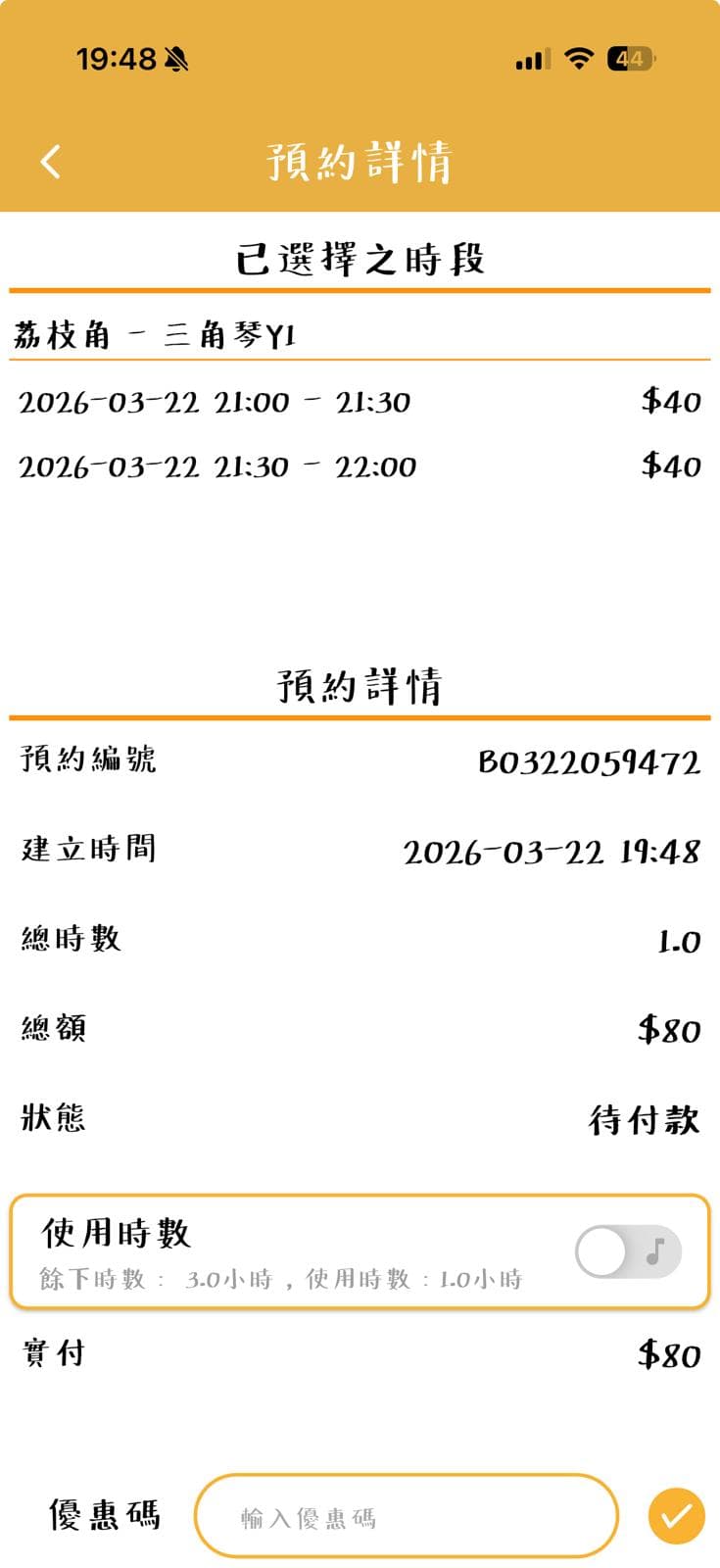
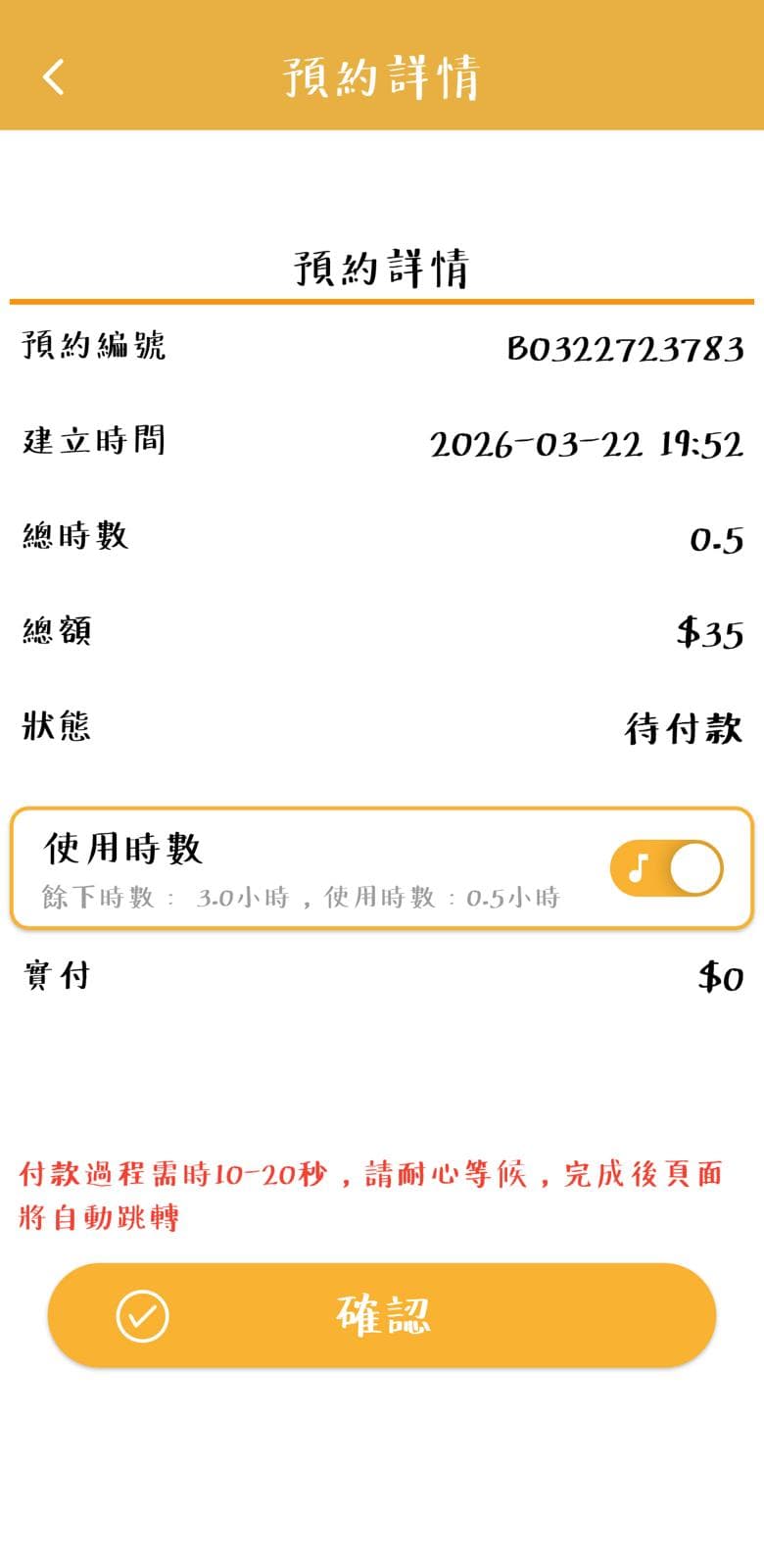
💡 Toggling "Use Hours" deducts from your plan quota — no additional payment needed.
Proceed to Payment
Tap "Proceed to Payment" and choose credit card, Apple Pay, PayMe, WeChat Pay, Alipay, FPS, Octopus and more. Booking confirmed instantly — no waiting.
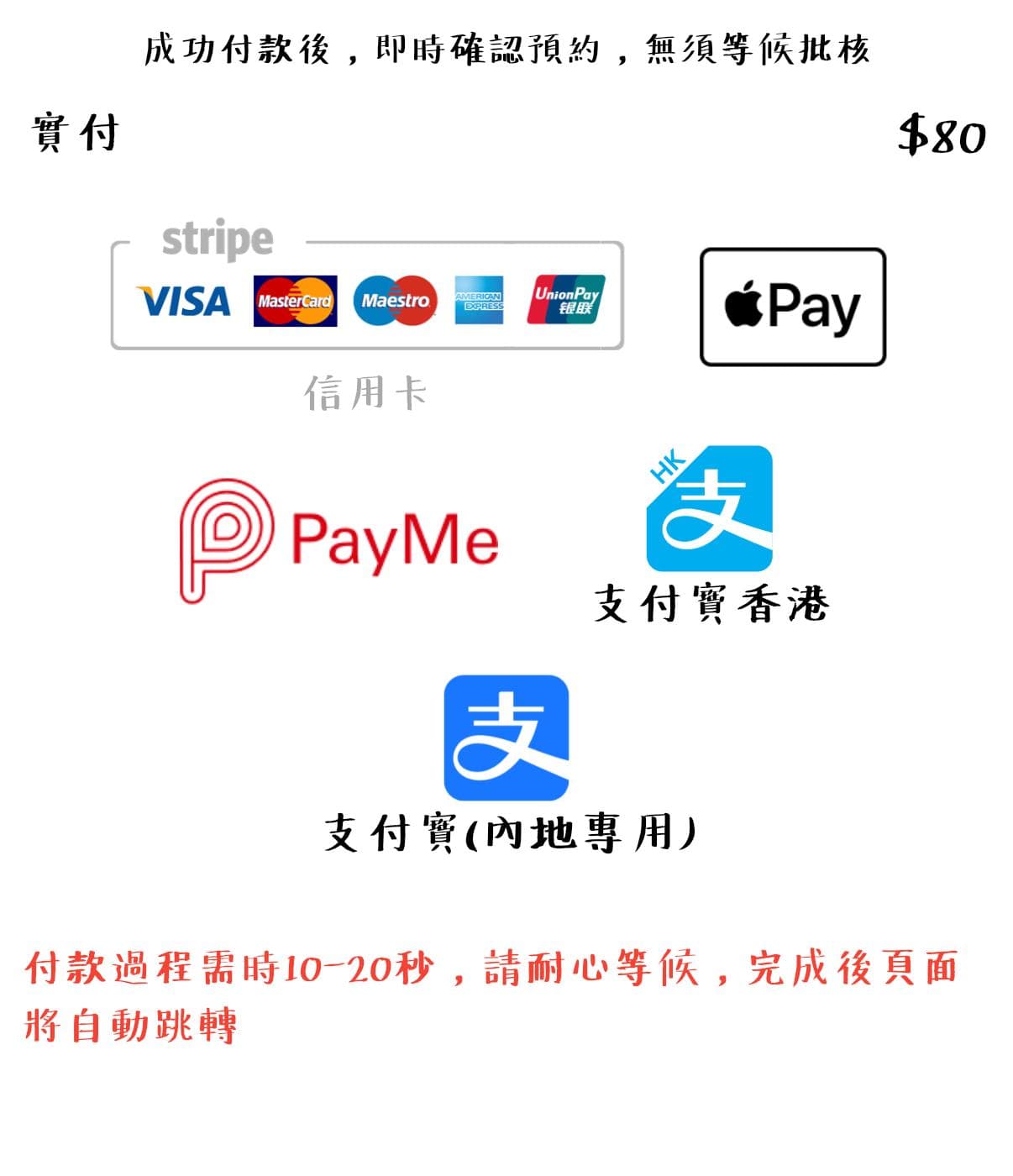
⏱️ Payment may take 10–20 seconds — the page will redirect automatically when done.
View Booking History
View your upcoming and past bookings, as well as payment history, in the Records tab.